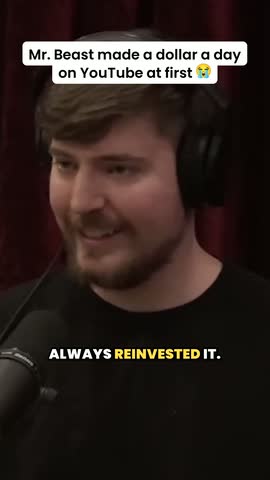
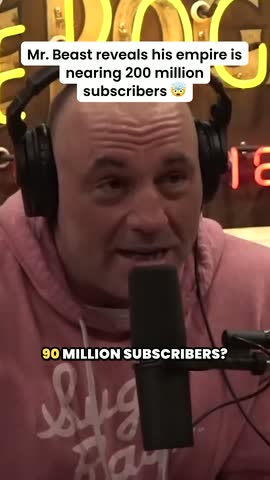
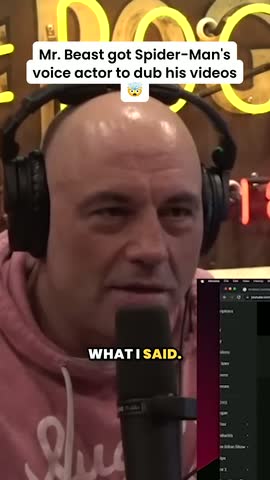
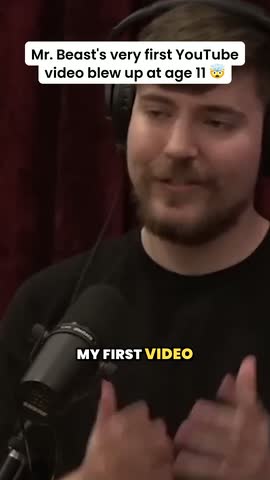
Paste the link. Clipwagon reads every word, finds the moments that make sense to someone who never saw the episode, and hands them back as vertical clips with captions.
Picks clips by meaning, not just by volume. Built for talking videos: podcasts, interviews, lessons, streams.
Tell it what to look for
StoryTutorialHot take
92
Clips that stand on their own
Every clip starts on a line that works with no context and ends on the payoff. Each one comes with a short reason, like "a contrarian claim that pays off with a concrete example".
9:16
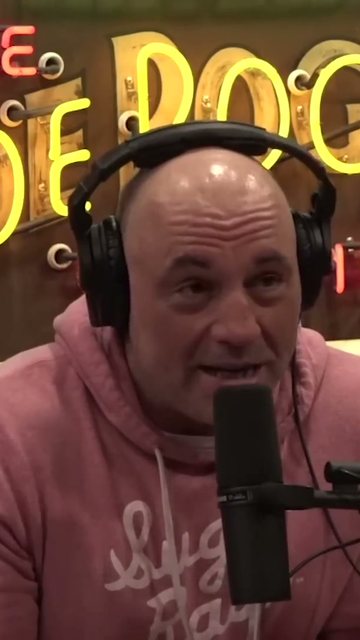
Reframed to 9:16 for you
Face tracking keeps the speaker in frame. Split screen for two people, a blurred fill for slides and screen recordings, or aim the crop yourself.
Live clipping · Pro
Clips while you're still live
Paste a Twitch or YouTube stream while it's on. Clipwagon reads the chat, and about a minute after it blows up with "CLIP THAT" and "NO WAY", that moment is a captioned vertical clip in your project. Stream like normal and post the best ones before you log off. Live clipping is on the Pro plan; recorded streams work on every plan.
Type what the video is about. Clipwagon writes the script, records the narration, finds openly licensed photos, and times captions to every word. You review the storyboard before anything is built.
Write or paste a scriptClaude writes one from your topic, or use your own words.
Swap any pictureUse the photo found for each line, pick another, or upload your own.
Built in about a minuteThen edit it in the same studio as your clips.
Clipwagon rejects openings that lean on something the viewer never heard, and pads every cut so no word gets clipped.
02
"Every clip scores 99."
Scores spread out honestly and every one comes with the reason. If only 8 moments are strong, it tells you so.
03
"The good features cost extra."
Headlines, captions, music and sound effects are on every plan, free included. Auto cut and zooms start at $10, with no watermark on any paid plan.
04
"I don't have long videos yet."
Create mode makes a narrated, captioned Short from just a topic, in the same app.
Questions before you paste a link
How does Clipwagon work?
Paste a link or upload a file. Clipwagon transcribes it, has AI choose the moments that make sense on their own, tracks faces to reframe them to 9:16, and gives you 15 ranked clips to edit, export or post.
What kinds of videos work best?
Anything where people talk: podcasts, interviews, streams, lessons, talks and webinars. Videos with little or no speech get clips spaced by loudness instead.
Which links can I paste?
YouTube, Twitch past broadcasts, and most public video and podcast links. You can also upload MP4, MOV, MKV, WEBM, MP3, M4A or WAV files.
Can it make a video without footage?
Yes. Create mode turns a topic or your own script into a narrated vertical video with captions and openly licensed photos, which are credited in the post text.
What does the score mean?
It's an estimate of how well a clip opens, holds and pays off, compared with the other moments in the same video. It tells you what to try first. It can't promise views.
Is Clipwagon free?
Yes. The free plan gives you 30 minutes of video and 2 created videos every month, with a small mark on exports. Paid plans start at $10 a month.
Can it post for me?
Every clip downloads as a ready-to-post MP4 for TikTok, Shorts and Reels. Posting straight to YouTube and TikTok from Clipwagon is in review with both platforms: until they approve it, those posts go up as private drafts that you publish yourself.
 92
 9:16